
Section & Variations › Feature
Available Parameters
| Parameter | Type | Description |
|---|---|---|
variation
|
Text
required Default : feature-variation-1
|
Set variation for Feature section. List of available variations :
|
tag
|
Text
required |
Set tag value for Feature section. |
title
|
Text
required |
Set title for Feature section. |
description
|
Text
required |
Set description for Feature section |
link
|
Link Object | Set link details for CTA button. Example: {
|
image
|
Filename | Set image for Feature section. The value is name of image file in the src/assets/images/ folder. |
Available Variations
Starter Kit Codes
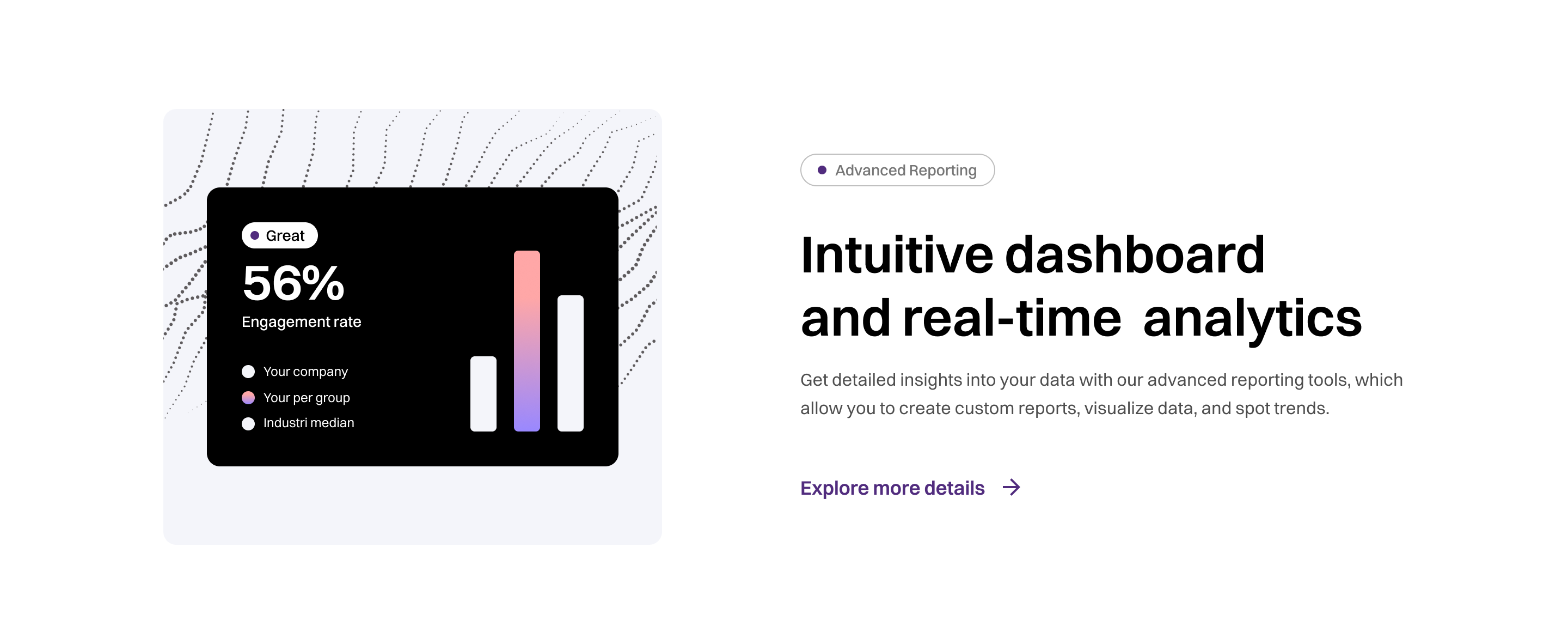
{# include sections/feature  #}
{% include "sections/feature.twig", with {
    	"variation"	 : "feature-variation-1",
	"tag"		 : "Advanced Reporting",
	"title"		 : "Intuitive dashboard and real-time  analytics",
	"description"	 : "Get detailed insights into your data with our advanced reporting tools, which allow you to create custom reports, visualize data, and spot trends.",
	"link"		 : {
		"text"  : "Explore more details",
		"url"   : "#"
	},
	"image"		 : "feature-image-1.png"
  } %}
Section Preview
Starter Kit Codes
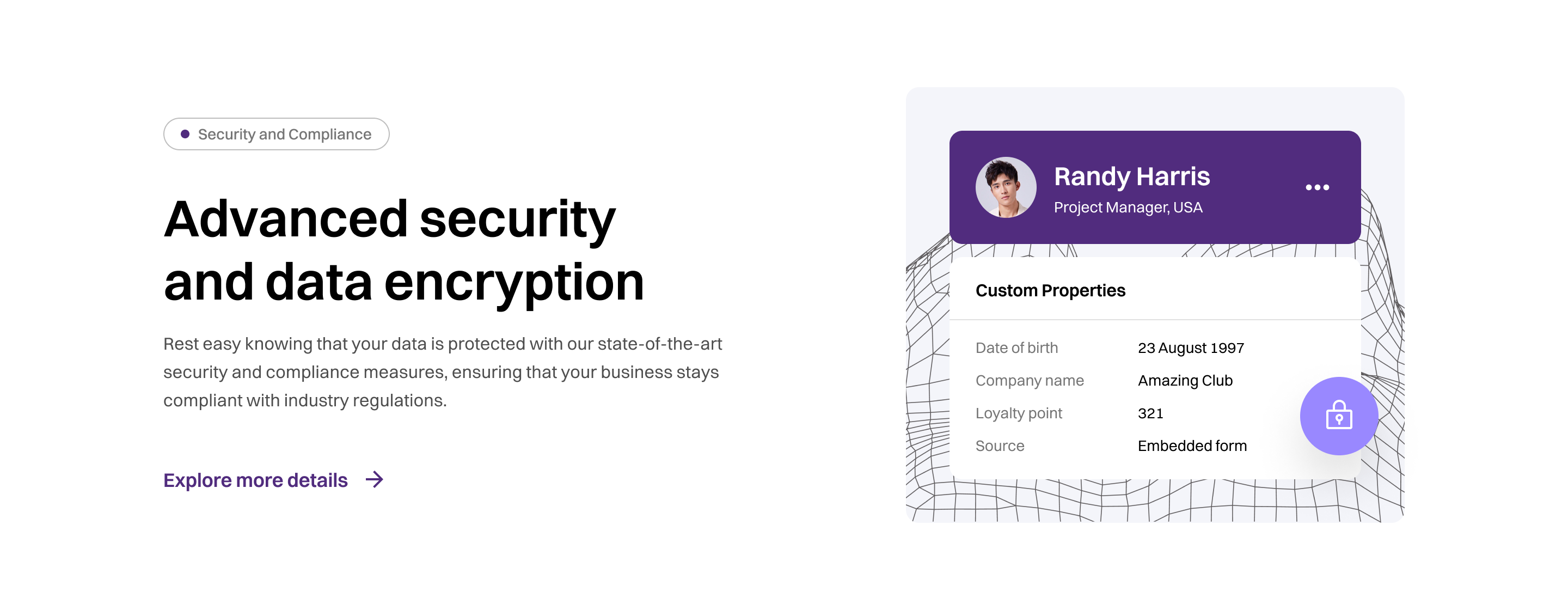
{# include sections/feature  #}
{% include "sections/feature.twig", with {
    	"variation"	 : "feature-variation-2",
	"tag"		 : "Security and Compliance",
	"title"		 : "Advanced security and data encryption",
	"description"	 : "Rest easy knowing that your data is protected with our state-of-the-art security and compliance measures, ensuring that your business stays compliant with industry regulations.",
	"link"		 : {
		"text"  : "Explore more details",
		"url"   : "#"
	},
	"image"		 : "feature-image-2.png"
  } %}
Section Preview